Use Dev Tools > Request logs to inspect calls made to the product API. Use Errors & retries to focus on failed requests. These views are available to Owners and Developers.

Find the request

Filter by status, request details and time, or search for the identifier you recorded in your client. Confirm the workspace and environment first. Times marked UTC use UTC rather than your browser’s local time.
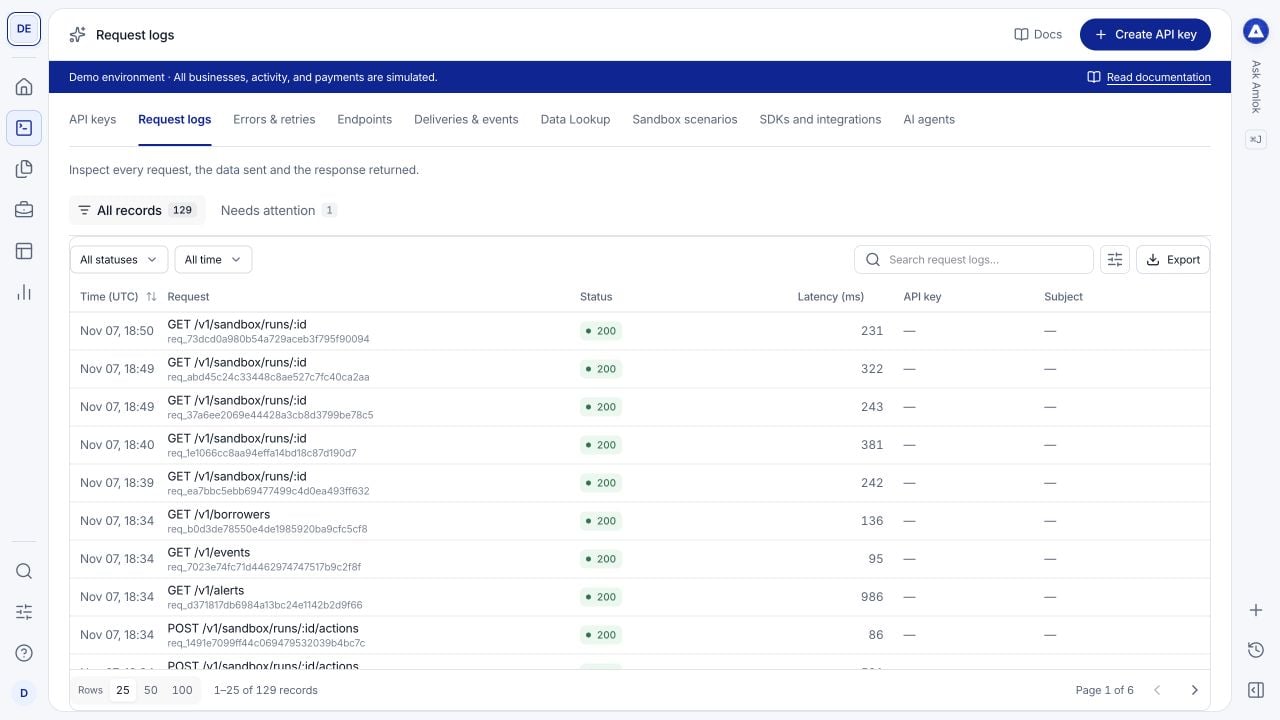
API request log table with HTTP methods, endpoint paths, response statuses and timestamps.

Request logs show method, path, status and timing so you can identify the call to inspect.

Select a row to open its drawer. Use the available tabs to inspect the overview, request, response, related records and activity. Payloads and metadata can be redacted; the log is not a place to recover secrets.

Read the response before retrying

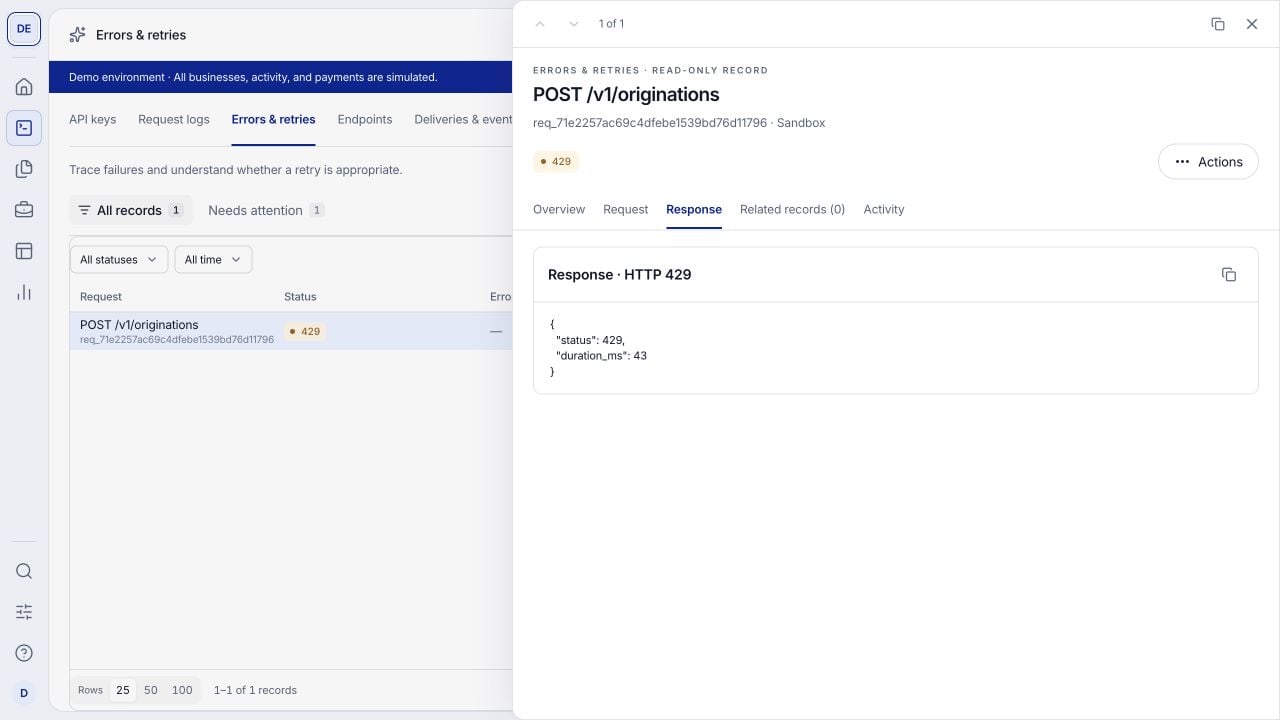
Request drawer showing a 429 rate-limit response payload for an origination request.

The response view shows the returned error payload. Use the error code and request identifier in your investigation.

For a retry of the same write, retain the same idempotency key and payload as required by the idempotency contract. Do not repeatedly create new originations to recover from a lost response.

Keep a useful trace

Record the AMLOK request identifier, your caller request identifier when supplied, the UTC time, method, endpoint and related record or job identifier. Preserve the error code and response status. These make it possible to connect client activity with processing and later events. Opening a request does not retry it. Outbound webhook attempts appear separately in Deliveries & events, because a successful API request and a successful event delivery are different operations. See request recovery, errors and rate limits for exact retry behavior.